Sharing a Microsoft Whiteboard
During Teams meetings, participants can open a virtual whiteboard – a digital canvas - on which they can sketch, illustrate, collaborate, brainstorm, plan, and share perspectives with one another in real time. The focus switches away from the presenting participant to the whiteboard. For more details, see the relevant Microsoft documentation.
| ➢ | To share the Whiteboard: |
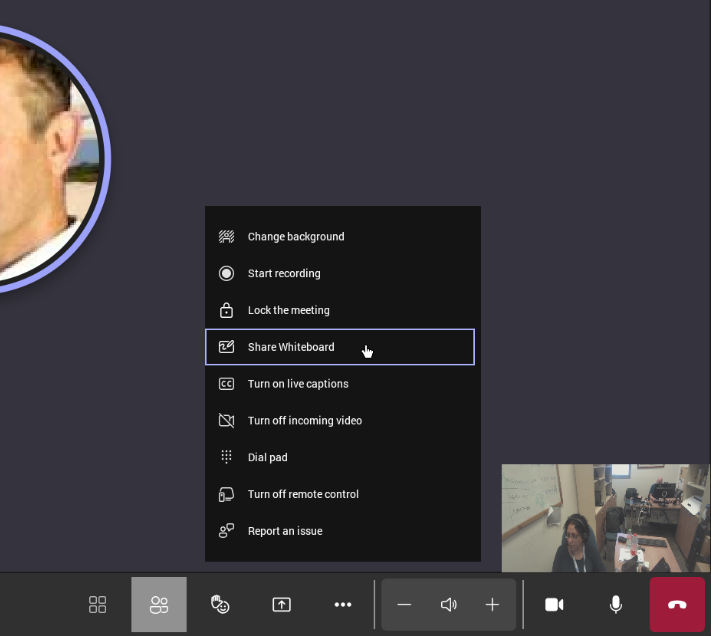
| ■ | From the … menu (in the MTRA GUI), select Share Whiteboard. |
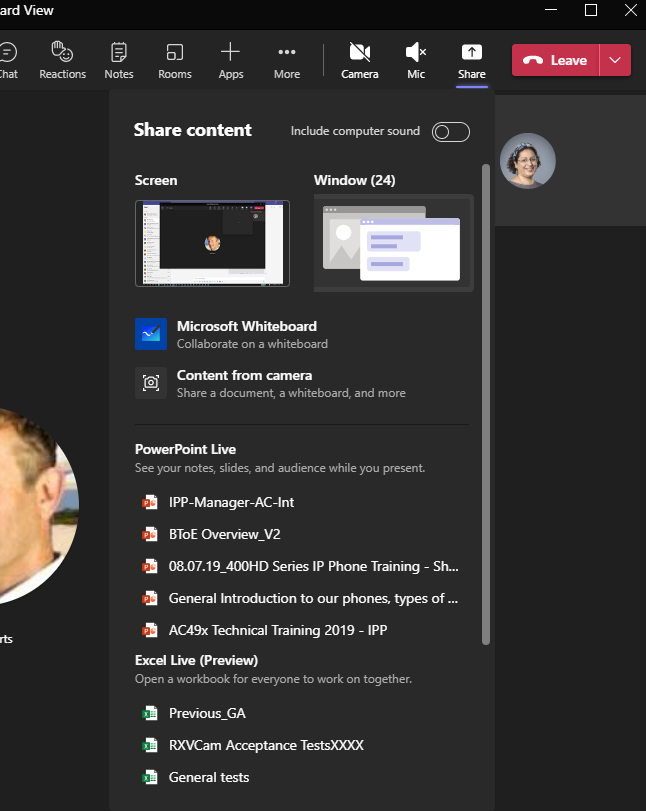
| ■ | Alternatively, access the Whiteboard from Share content: |
Edit the Whiteboard; every participant with privileges can edit it.